Back to services
AI in your applications
AI in the software your teams already use
The agent works in Salesforce, SAP, Moodle, Microsoft 365, SharePoint or HubSpot, with the permissions of the person using it.

How it works
01
Observe
We work alongside your teams and identify the tasks that take up most of their time.
02
Connect
We connect the agent to your applications via their APIs, via MCP or, where there is no API, through the user interface itself.
03
Test
We check the agent on your real cases before it goes into production.
Offerings
- MCP connectors
- Your applications opened up to the agent through their APIs or the standard MCP protocol.
- Automation without an API
- For closed or legacy software, the agent works through the screen, as a person would.
- Ask your data
- Ask questions about your business data in plain language, with the source for every answer.
- Automated testing
- Your test scenarios, written in a spreadsheet, replayed with every new release.
Use cases
 All sectors
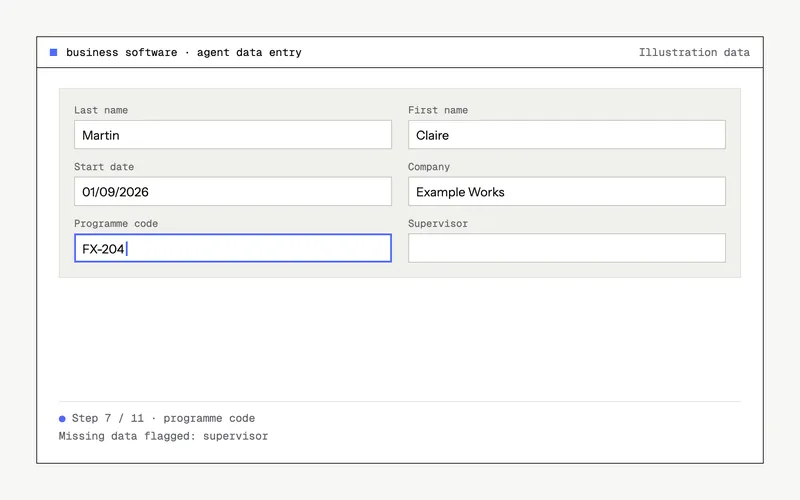
Automatic data entry in your software, without modifying it
The agent navigates the software and fills in fields as a person would, with the user's permissions, without modifying the software.AI in your applications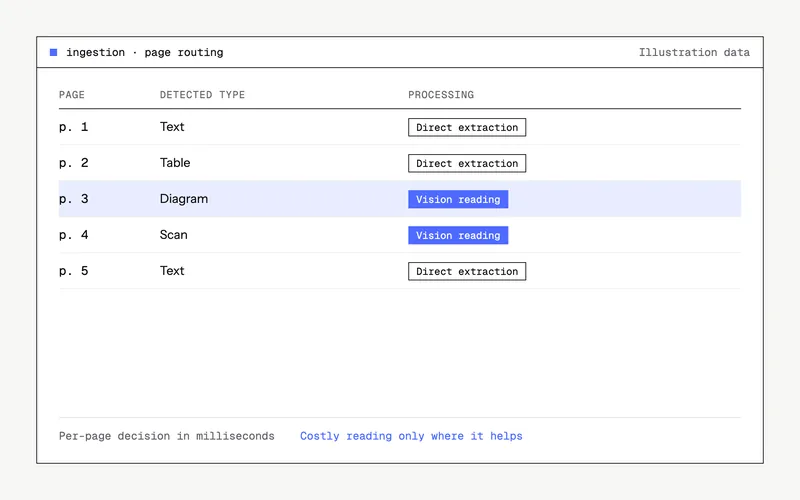 All sectors
Routing pages before ingestion into an assistant
Each page of a PDF goes either to text extraction or to reading by a vision model, only when that is useful. Ingestion is faster, and costly reading is used only on the pages that need it.AI in your applications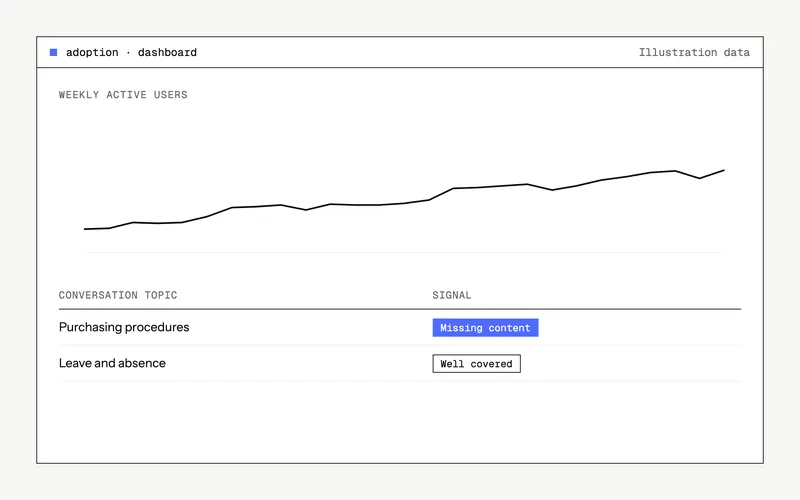 All sectors
Measuring adoption and analysing conversations
Administrators track adoption of the assistant by segment and receive an analysis of conversations: topics, pain points, missing content.AI in your applications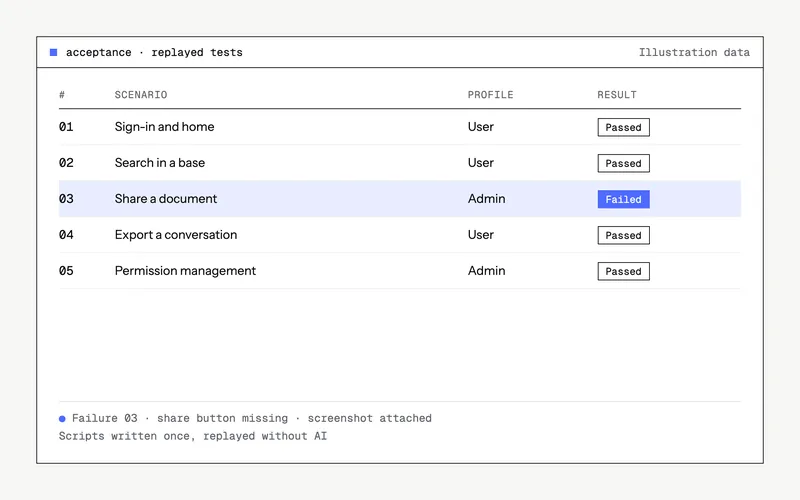 Software vendors
Agent-driven regression testing
An agent drives the browser, replays the scenarios described in a spreadsheet and logs any discrepancies.Azure